

What's New - 2022.9
2022.9
Insightloupe updates its User Experience and Interface
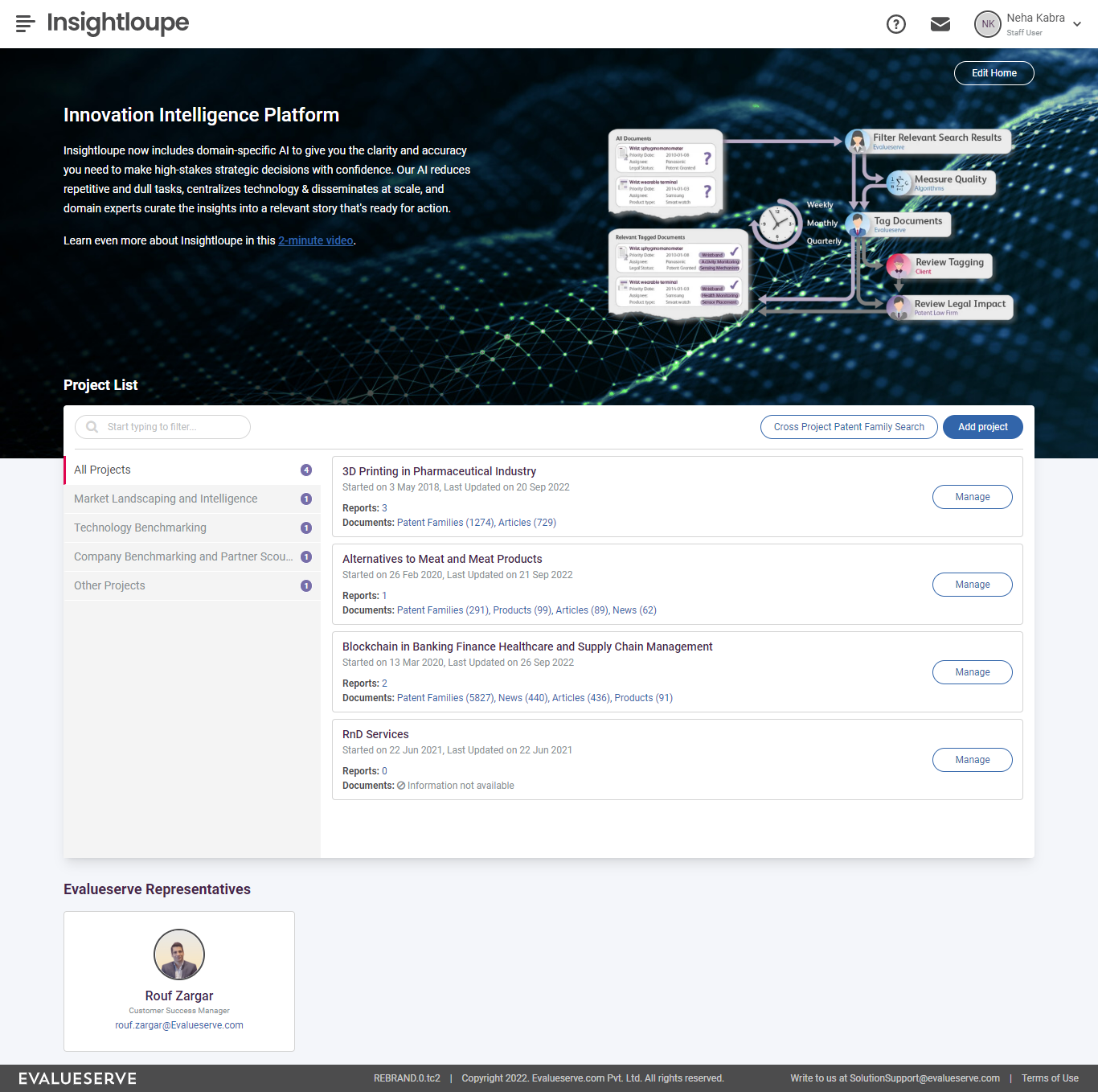
Evalueserve has recently updated its branding guidelines which include changes in typography, colour palette and design. You may have already observed these changes on the Evalueserve website.
In this release, we have updated the user experience and interface of Insightloupe as per the new branding guidelines. You will be able to observe the following major changes across our platform:
- New Logo
- Design and Format of emails sent through Insightloupe such as:
- Alert emails
- Task allocation
- Document ready
- Reset password
- Ownership transfer, etc.
- Platform Footer
- Styling changes to components like:
- Buttons
- Dropdowns
- Pop-ups
- Text fields
- Checkboxes, and much more
Introduce the count of unread notifications
In the previous version of Insightloupe, there was Notifications section but it didn’t indicate if there were any new notifications or the number of unread notifications to users.
With this release, we have added a notification count to the navigation bar to reflect the number of new notifications received by the user which are still unread. These notifications include alert notifications, user account activations, task assignments such as data enrichment and review, among others. Each unread notification in the notifications section will have a “New” badge to indicate it is still unread.
Introduction of "What's New" on Insightloupe
Ever wondered “what’s new” on Insightloupe? Or, how can I know about the latest changes? Or, how does this feature work?
You probably did, or you likely will. Insightloupe has a monthly release cadence, and a lot of new features are released each year and a lot more enhancements are turned in.
In this release, we have introduced a new feature on Insightloupe that addresses this issue precisely. After a new release of features on Insightloupe:
- You will be notified about the updated version via a “New” badge on help section.
- You can open the What’s New section and look at all the features and enhancements released in the latest update. A visual demo in the form of an image, gif or video is also available for each entry.
- You can also choose to pick a specific previous version and find entries from that release.
- You can choose picture-in-picture mode to view the video inline.
- You can click on full-screen icon and view the accompanying video in full screen mode.
- The “New” badge disappears once you have seen the changes for the latest version. It will be back once again in a future release along with fresh notes corresponding to the version.
Introduction of a New Navigation Behavior
Insightloupe previously had two levels of navigation i.e., primary and secondary navigation. The primary navigation was used for platform level items such as Project List, Alerts, Tasks and Administration while the secondary navigation was used for navigating within the project.
In this release, we have introduced a hamburger menu to provide a cleaner look and moved all the navigation items to it. The hamburger menu can be accessed at the top left section of the platform. Clicking on the hamburger menu icon should open the menu drawer with option to access relevant sections.
Breadcrumb navigation has been introduced, on all pages except the landing page, to guide the user about the project navigation flow. User will be able to navigate to the previous modules listed on the breadcrumb.
Introduction of Key Contacts section
Insightloupe previously had multiple text widgets on the landing page which could be used to provide an information. The information could be related to Insightloupe features, engagement program, etc. In many cases, these text widgets were also used for introduction of Evalueserve representatives.
In this release, we have introduced a new section for “Key Contacts” at the bottom of the Insightloupe home page for clients to get acquainted with their Evalueserve team. This section will list the Evalueserve representatives who are working on the project in different roles such as account manager, customer support manager, project manager, etc. This section will contain following details about the user:
- Name
- Role
- Profile picture
Introduction of new Widget Configuration
Insightloupe had multiple text and image widgets previously which were used to customize the platform for clients. These widgets could be used in any manner and did not have a defined purpose.
In this release, we have created a leaner design of the Insightloupe home page with a static default banner containing three standard widgets – text, image and client logo.
Introduction of Project Start Date and Project Last Updated Date
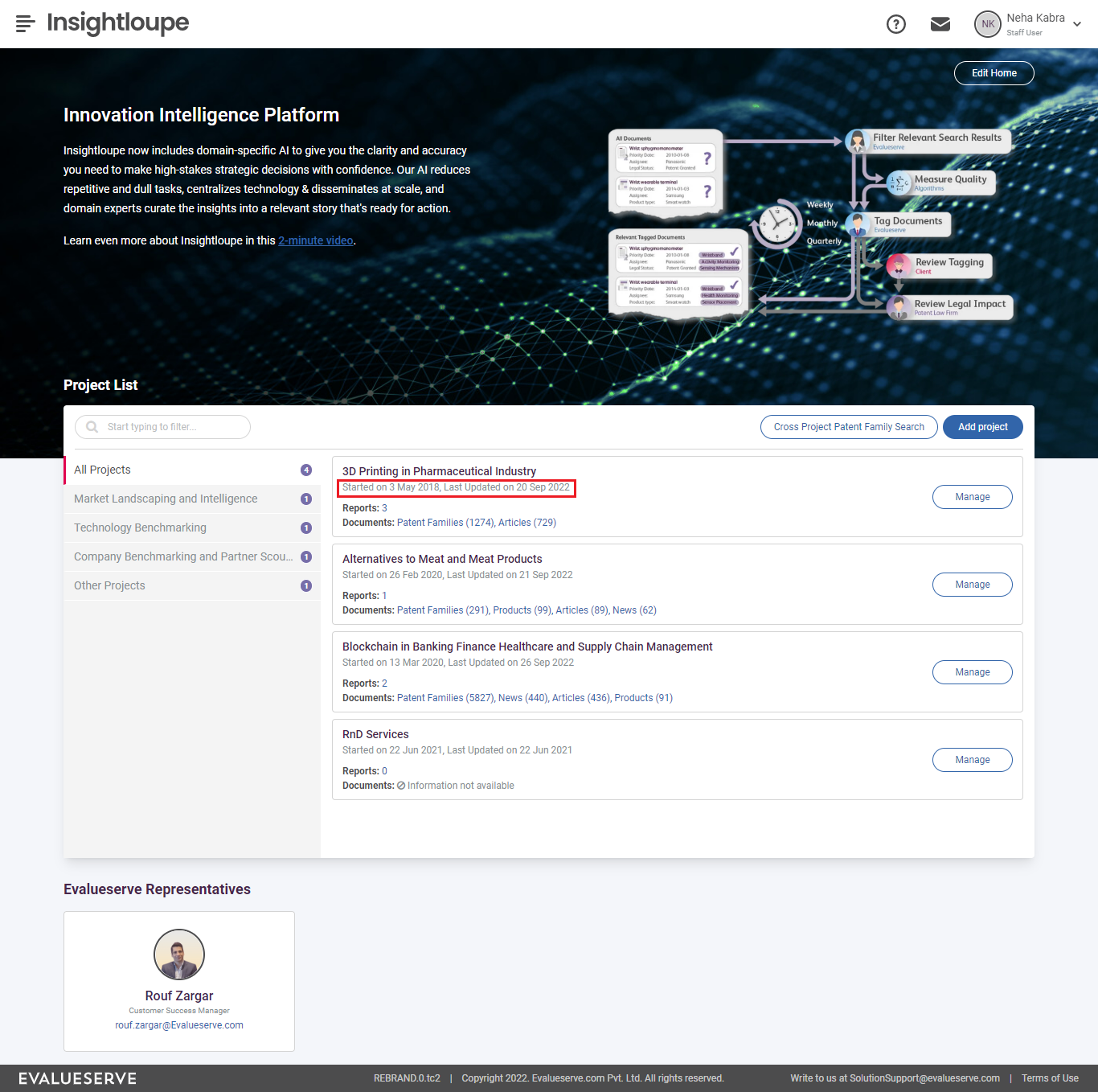
In the previous version of Insightloupe, users were unable to gauge when a project had been created or updated. This created ambiguity for clients on when their subscription was due for renewal or when a new update was available on their projects.
With this release, we have added both the start date and the last updated date for projects, both of which are visible in the project list.